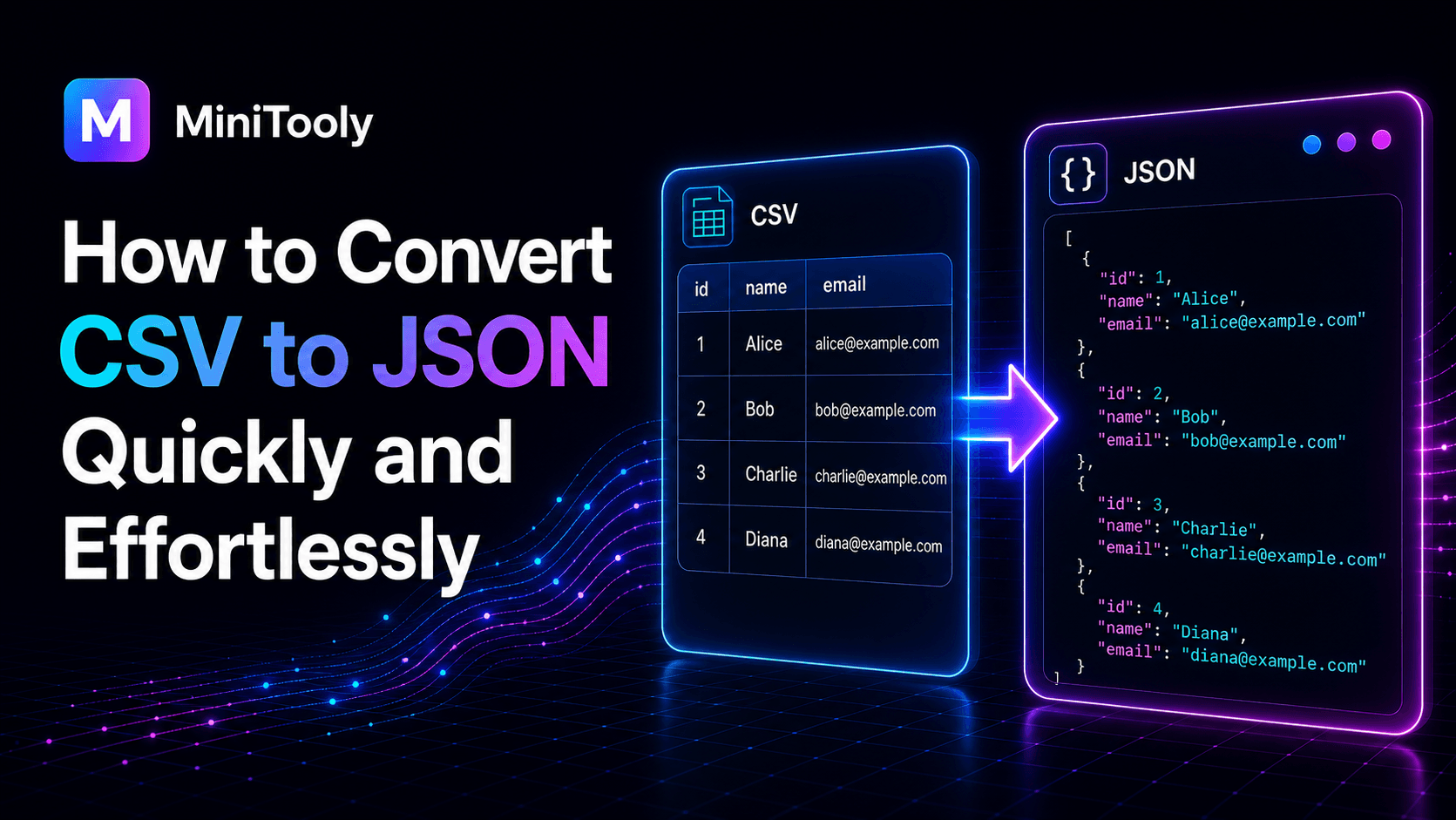
Understanding CSV and JSON Formats
Data exchange relies heavily on text-based formats, with Comma-Separated Values (CSV) and JavaScript Object Notation (JSON) standing out as the most widely used. While CSV remains the reigning champion for tabular data storage, spreadsheets, and legacy data dumps, JSON has become the universal language of modern web applications, APIs, and NoSQL databases. Bridging these two formats requires a reliable tool to map flat, row-and-column structures into hierarchical or structured key-value pairs.
The Structure of CSV
CSV files are simple, flat text files where each line represents a data record. Every record consists of multiple fields separated by commas, semicolons, or tabs. The first row typically serves as the header, defining the column names. While this structure is easy to read in Microsoft Excel or Google Sheets, it lacks the ability to represent complex hierarchies, nested arrays, or rich data types like booleans and nulls without custom parsing logic.
The Power of JSON
JSON, on the other hand, organizes data into nested objects and arrays. It supports native data types including strings, numbers, booleans, and nulls. This hierarchical flexibility makes JSON ideal for modern web APIs, configuration files, and document databases like MongoDB. Converting tabular data into this format unlocks seamless integration with web frontends and backend services alike.
Why You Need to Convert CSV to JSON
Developers, data analysts, and product managers frequently encounter scenarios where legacy reports or spreadsheet exports must feed into an application interface. When building a web application, loading user data, or populating a database seed file, manual reformatting is impractical and prone to human error. Automating this transformation ensures that headers become proper keys, strings remain quoted, and numbers are correctly parsed, saving hours of tedious formatting work.
Step-by-Step Guide to Transforming Data
Transforming a spreadsheet dataset into a web-ready format follows a clear workflow. Whether handling a few rows or thousands of records, keeping these steps in mind ensures clean results:
- Prepare Your Spreadsheet: Clean your CSV file by ensuring the header row contains unique, valid identifier names without weird special characters or spaces if possible.
- Check Delimiters: Verify whether your file uses commas, tabs, or semicolons as separators to prevent parsing misalignments.
- Run the Transformation: Use an online utility to parse the text rows into structured JSON arrays.
- Validate the Output: Check for syntax errors, ensure numeric fields are correctly typed, and verify that nested structures look accurate.
Using MiniTooly's CSV to JSON Converter
To make this transformation instantaneous, you can use the specialized csv to json converter available on MiniTooly. This browser-based utility processes your tabular inputs securely without complex software installation or command-line scripts. Simply paste your raw CSV text or upload your dataset, and the engine immediately renders clean, indented JSON code ready for copying and integration into your codebase.
Data Privacy and Security Considerations
When handling sensitive business metrics, user lists, or proprietary financial spreadsheets, data privacy is paramount. Many cloud-based tools upload files to remote servers, raising compliance and confidentiality concerns. MiniTooly processes your text directly within your browser environment using client-side scripting, ensuring that your data never leaves your device or touches an external server database. This makes it safe for confidential operations while maintaining top-tier conversion speed.
Common Pitfalls and Limitations
While automated conversion tools are powerful, certain data quirks can cause formatting hurdles:
- Inconsistent Column Counts: If a row contains extra commas or missing fields, the parser might misalign properties.
- Data Type Guessing: Most converters treat incoming values as strings by default unless explicitly configured otherwise. Numbers might need manual casting if strict typing is required by your target database.
- Large File Sizes: Extremely large CSV files containing millions of rows can cause browser memory limits to trigger, requiring chunked processing or command-line utilities instead.
Conclusion
Converting spreadsheet data into structured web formats does not have to be a tedious chore. By understanding the core differences between tabular records and nested objects, you can streamline your data pipelines and API integrations. Try out MiniTooly's conversion utility today to simplify your next data migration project.