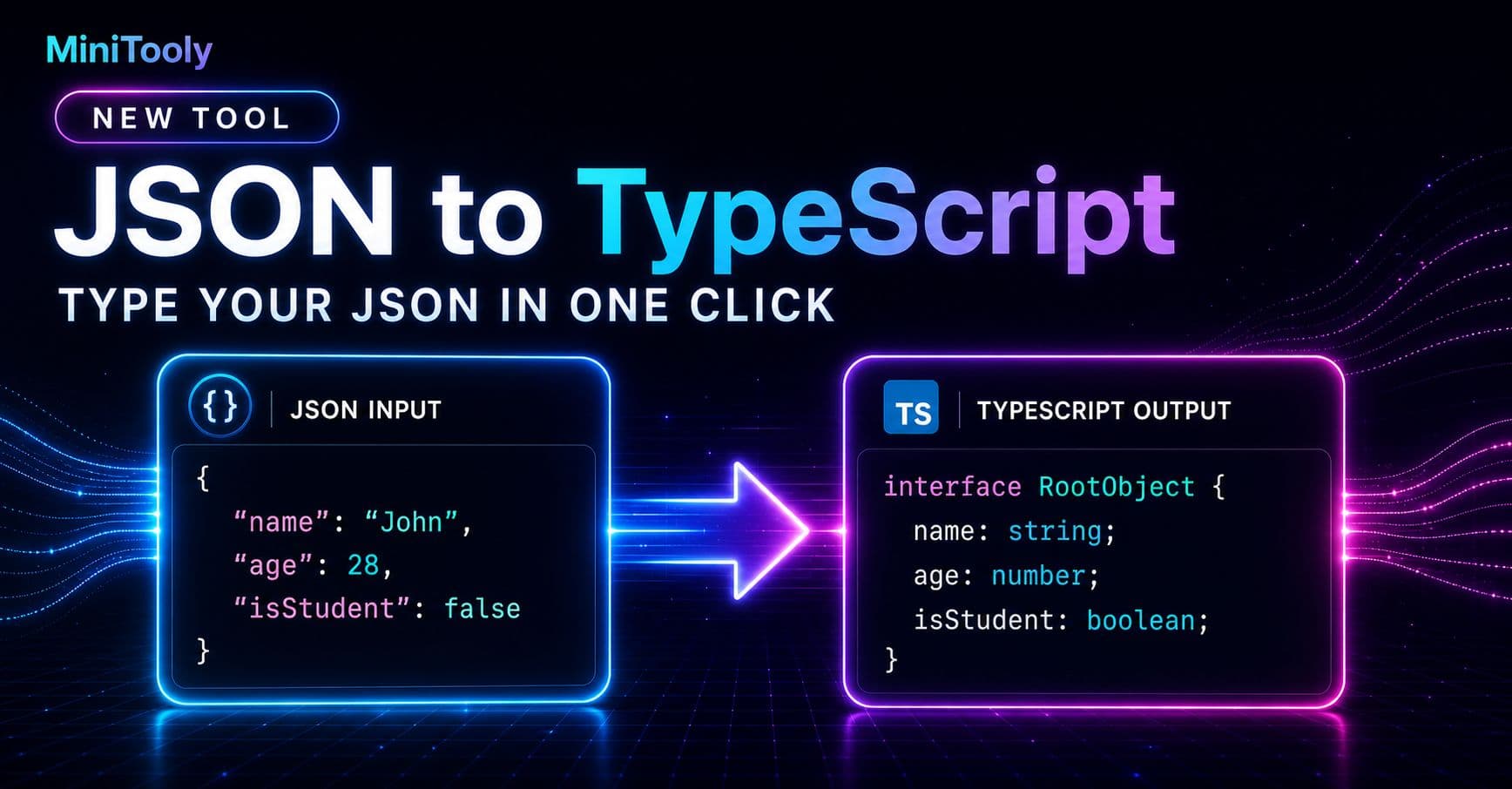
Modern web development heavily relies on communicating with third-party APIs and microservices. Most of these services exchange data in JSON (JavaScript Object Notation) format. While JSON is lightweight and universally supported, consuming it inside a strongly typed language like TypeScript can introduce friction. Without proper type definitions, developers often resort to using the dreaded any type, which defeats the entire purpose of utilizing TypeScript.
Writing TypeScript interfaces by hand for large API payloads is tedious, error-prone, and inefficient. A robust json to typescript workflow eliminates this manual chore, letting you instantly map out your application state with precision. In this guide, we will explore why type safety matters for API integration, how to automate the conversion process, and best practices for managing complex schemas.
The Challenge of Untyped API Responses in TypeScript
When you fetch data from an endpoint, TypeScript doesn't automatically know the shape of the incoming payload. If you handle raw JSON responses without casting them to a defined interface, you risk running into runtime errors. For instance, accessing a property that doesn't exist or misspelling a key will only surface when your application crashes in production.
Consider a typical scenario where an endpoint returns user profile data, preferences, and recent activity logs. Writing a nested structure of interfaces for this payload by hand can easily take twenty to thirty minutes of tedious syntax writing. Furthermore, any subsequent change to the API payload requires manual refactoring, increasing maintenance overhead.
Why Type Safety Enhances Your Workflow
Introducing explicit TypeScript interfaces brings several immediate benefits to your codebase:
- IntelliSense and Autocompletion: Code editors like VS Code can suggest properties and methods instantly, speeding up coding.
- Early Error Detection: Catch type mismatches at compile time rather than tracking down bugs in production.
- Self-Documenting Code: New team members can understand the exact shape of expected data structures just by looking at your interface declarations.
How to Convert JSON to TypeScript Step-by-Step
Automating the conversion process saves valuable developer hours. Instead of writing code line by line, you can use specialized utilities like the MiniTooly JSON to TypeScript converter to generate types instantly.
Step 1: Copy Your Sample JSON
Obtain a realistic sample response from your API endpoint, browser network tab, or documentation payload. Make sure the JSON is valid and represents the complete structure you expect to handle.
Step 2: Paste Into the Tool
Navigate to the converter tool and paste your raw JSON string into the input pane. The parser will immediately read the keys, data types, and nesting levels.
Step 3: Generate and Refine
Click the conversion trigger to output clean, idiomatic TypeScript interfaces. Review the generated code, rename interfaces to match your domain terminology, and copy them directly into your project files.
Practical Example: From JSON to Interface
Let's look at a quick comparison between a raw JSON object and the corresponding TypeScript output.
Input JSON:
{
  "id": 42,
  "username": "dev_master",
  "isActive": true,
  "roles": ["admin", "editor"],
  "metadata": {
    "lastLogin": "2026-03-30T10:00:00Z",
    "loginCount": 150
  }
}
Generated TypeScript:
interface Metadata {
  lastLogin: string;
  loginCount: number;
}

interface UserResponse {
  id: number;
  username: string;
  isActive: boolean;
  roles: string[];
  metadata: Metadata;
}
This simple transformation takes seconds when utilizing automated tooling, ensuring your frontend models stay synchronized with your backend contracts.
Handling Complex Data Structures
Real-world JSON is rarely flat. You will frequently encounter nested arrays, optional properties, and mixed types. When generating interfaces, keep these structural nuances in mind:
- Optional Fields: If an API response sometimes omits certain keys, make sure to mark those properties as optional (
prop?: type) in your final codebase. - Nested Objects: Large JSON objects should be broken down into smaller, reusable sub-interfaces rather than cramming everything into a single massive definition.
- Union Types: If a field can contain multiple distinct primitive types or object shapes, adjust the generated union types accordingly (
string | null).
Limitations and Edge Cases
While automated conversion tools are exceptionally useful, they come with certain limitations:
- Sample Dependency: The generated types depend entirely on the sample JSON provided. If a specific optional field is missing from your sample payload, the tool cannot infer its type.
- Runtime Validation: TypeScript interfaces disappear at compile time. They provide static analysis during development, but they do not validate actual runtime data. For robust API safety, pair your interfaces with runtime validation libraries like Zod or Yup.
Privacy and Safety in Local Workflows
When working with internal API responses, data privacy is paramount. Many enterprise applications handle sensitive user data or proprietary business logic inside their payloads. Ensuring that your conversion workflow respects data privacy is critical. Client-side tools that process JSON locally in your browser ensure that your payload data never leaves your machine or gets stored on external servers.
Conclusion
Transitioning from messy, untyped JSON objects to strict TypeScript definitions is a cornerstone of maintainable frontend and backend development. By eliminating manual boilerplate typing and leveraging automated utilities, you can integrate APIs faster, prevent runtime errors, and keep your codebase clean. Try out the MiniTooly JSON to TypeScript converter today to streamline your next development task.