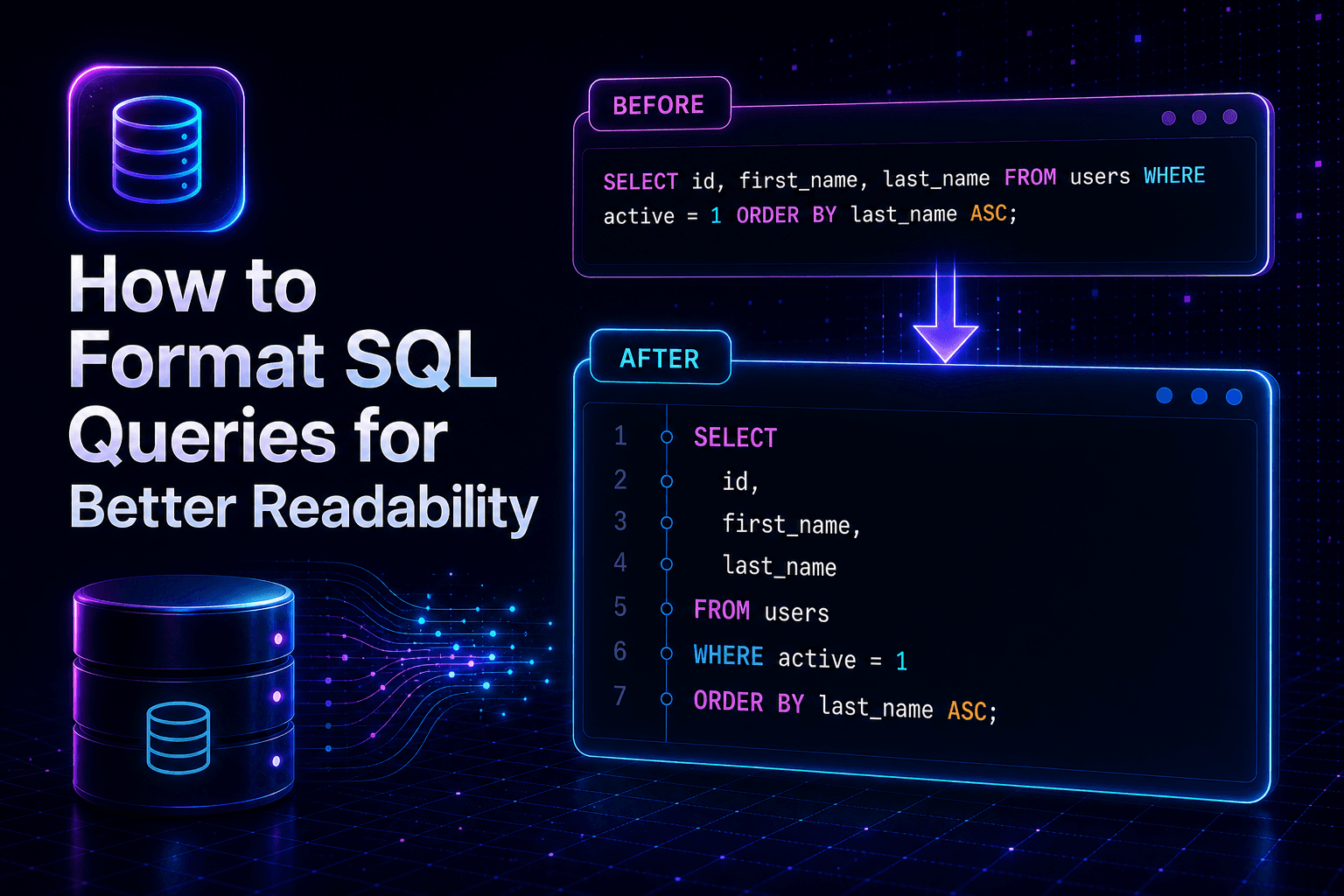
The Hidden Cost of Messy SQL Code
When building data-driven applications, writing queries is second nature for developers and data analysts. However, as projects grow, queries often turn into sprawling blocks of text. A multi-table join with numerous conditional filters squeezed into a single line becomes nearly impossible to scan. This lack of structure introduces a hidden cost: slower debugging, increased cognitive load, and a higher risk of logic errors.
When a critical database query fails in production, every minute spent deciphering compacted statements delays resolution. Clean code is not just about aesthetics; it is a core component of maintainability. By transforming dense syntax into structured blocks, developers can immediately spot missing parameters, incorrect join conditions, or flawed subqueries.
Why Proper Indentation and Casing Matter
Structured formatting relies heavily on two pillars: consistent indentation and predictable keyword casing.
Keyword Casing
Standardizing keywords like SELECT, FROM, WHERE, and JOIN to uppercase while keeping table and column names in lowercase creates immediate visual hierarchy. It separates database operations from domain-specific data points.
Indentation and Line Breaks
Nesting subqueries and aligning conditional clauses (AND, OR) vertically helps the human brain parse logical groups. Without line breaks, evaluating operator precedence becomes a tedious manual puzzle.
Common Challenges in Manual SQL Formatting
Formatting queries by hand is tedious. Developers often waste valuable time pressing the spacebar and hitting enter to align nested subqueries. Furthermore, when copying queries from legacy logs or automated error trackers, they frequently arrive wrapped in string literals with escaped quotes or carriage returns.
Manually cleaning these up distracts from actual problem-solving. This is precisely why relying on an automated sql formatter is indispensable for modern engineering teams.
How to Use an Online SQL Formatter Effectively
An online utility streamlines the transformation process. Here is a practical workflow to incorporate a sql formatter into your daily routine:
- Paste your raw query: Copy the messy, single-line or poorly spaced statement from your code editor or log file.
- Apply formatting rules: Let the engine normalize keyword casing, apply consistent indentation levels, and break complex joins into readable lines.
- Review and refine: Inspect the structured output to ensure logical integrity remains intact before executing it against your development database.
For a quick, zero-friction solution, you can use the https://minitooly.com/tools/sql-formatter to instantly clean up your statements without installing heavy desktop software.
Privacy, Security, and Limitations of Online Tools
While web-based utilities are convenient, developers must remain mindful of security and data privacy.
Data Safety Considerations
Never paste production database queries containing sensitive customer personally identifiable information (PII), API keys, or raw credentials into public third-party tools. Always sanitize your queries by replacing real table names and data literals with generic placeholders like users_temp or id_placeholder when working in shared environments.
Structural Limitations
Automated tools excel at syntax restructuring, but they cannot validate database-specific dialects or detect missing table schemas. If a query references a non-existent column, a formatter will clean the syntax without fixing the underlying logical bug.
Conclusion
Maintaining clean database code is essential for efficient debugging and team collaboration. By eliminating messy indentation and erratic casing, you reduce cognitive friction and accelerate development cycles. Next time you encounter a wall of unreadable database logic, save time and streamline your workflow with a reliable sql formatter.