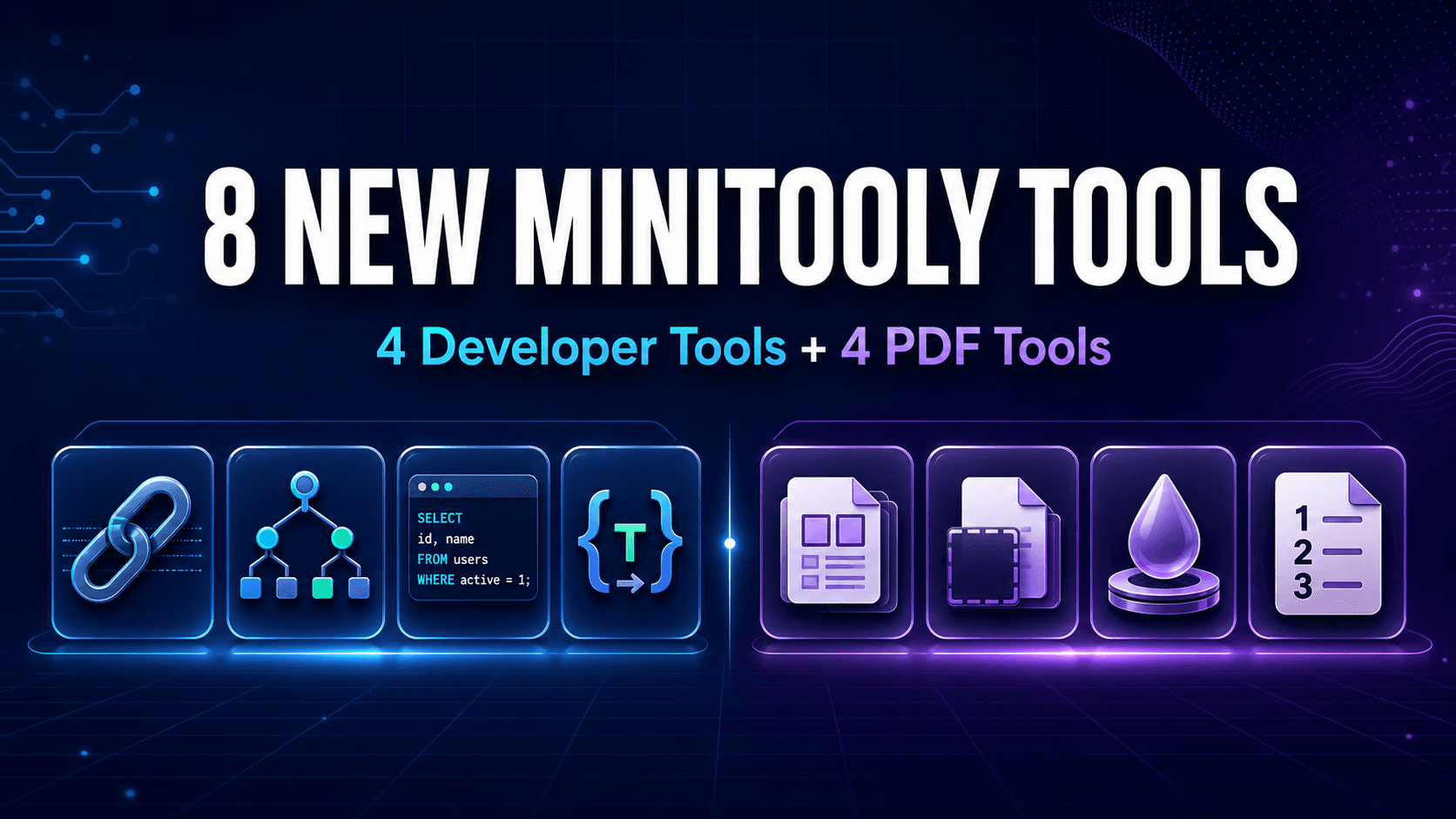
Expanding the MiniTooly Ecosystem
Efficiency is the cornerstone of modern technical and administrative work. Whether you are debugging a complex web application, structuring messy database queries, or preparing professional documentation, having the right utility at your fingertips saves valuable time. Today, we are thrilled to announce the rollout of eight brand-new utilities on MiniTooly, designed specifically to streamline developer tasks and optimize PDF document workflows.
Our goal has always been to provide fast, reliable, client-side tools that require no installation or tedious registration. This latest release expands our capabilities into deeper technical analysis and comprehensive document management, ensuring you can tackle everyday challenges seamlessly within your browser.
Empowering Developers with Advanced Technical Utilities
Developers frequently switch between writing code, testing endpoints, and formatting database scripts. To reduce context switching, our new developer-focused tools bring essential parsing and formatting functions directly into a unified interface.
Dissecting Web Addresses with the URL Parser
Handling uniform resource locators (URLs) is a daily routine for web developers, QA engineers, and digital marketers. Extracting parameters, decoding query strings, or checking specific path segments manually is tedious and error-prone. The new URL breakdown utility allows users to break down any web link into its individual components instantly—including protocol, domain, port, pathname, search parameters, and hash fragments.
For example, analyzing a complex tracking link or an API endpoint becomes effortless. You can inspect query parameters in a clean, tabular format rather than straining your eyes over a continuous string of text. To experience this utility firsthand, you can explore the dedicated https://minitooly.com/tools/url-parser to parse and inspect your links instantly.
Cleaning and Organizing Queries with the SQL Formatter
Writing raw SQL queries often leads to messy, hard-to-read code blocks, especially when collaborating across teams or inheriting legacy databases. Our new SQL Formatter tool takes unformatted, single-line queries and restructures them with proper indentation, keyword capitalization, and syntax alignment. This drastically improves readability and makes debugging complex joins, subqueries, and conditional statements much easier.
Streamlining Document Management: The New PDF Tools
In addition to developer utilities, this release introduces a powerful suite of PDF document productivity tools. Managing PDFs often requires specialized software, but many users simply need quick, lightweight adjustments without opening heavy desktop applications.
Precision Page Numbering and Document Assembly
One of the standout additions in our PDF suite is the automated page numbering utility. Whether you are preparing legal briefs, academic papers, or corporate reports, adding professional headers and footers with accurate pagination is critical. Users can customize placement, font sizes, and starting numbers without altering the underlying content.
Complementing the page numbering tool, other new additions include enhanced PDF merging, splitting, and compression utilities that maintain document fidelity while reducing file sizes for easy sharing.
Practical Steps: How to Use the New Utilities
Using any of the new MiniTooly tools follows a streamlined, intuitive process designed to minimize friction:
- Navigate to the Tool: Visit the MiniTooly platform and select your desired utility from the developer or PDF category menu.
- Input Your Data: Paste your raw code, drop your PDF file, or paste a link into the input field.
- Configure Options: Adjust settings such as SQL indentation preferences, URL parameter decoding rules, or PDF page number positioning.
- Execute and Export: Run the process instantly and copy your cleaned output or download your modified file with a single click.
Limitations and Performance Notes
While these new tools are designed for maximum speed and convenience, it is important to keep a few practical boundaries in mind:
- File Size Constraints: For browser-based PDF tools, extremely large files (exceeding 100MB) may take slightly longer to process depending on your device's memory and CPU.
- Network Dependency: While many processing tasks happen locally via client-side scripts, maintaining a stable internet connection ensures seamless asset loading.
- Complex Syntax: Highly proprietary or non-standard SQL dialects might require minor manual adjustments after automated formatting.
Privacy and Safety Considerations
At MiniTooly, data privacy remains a top priority. Sensitive data—such as internal database schemas, proprietary code snippets, and confidential PDF documents—is handled with strict security practices. Many text-based utilities process inputs directly within your browser session using client-side execution, ensuring that your private data never gets unnecessarily stored or logged on external servers.
Conclusion
The launch of these eight new tools marks another milestone in MiniTooly’s commitment to building a fast, practical, and privacy-focused utility toolkit. By bridging the gap between technical web tasks and everyday document management, developers, analysts, and professionals can accomplish more in less time. Head over to the platform today to try out the new utilities and elevate your daily digital workflow.