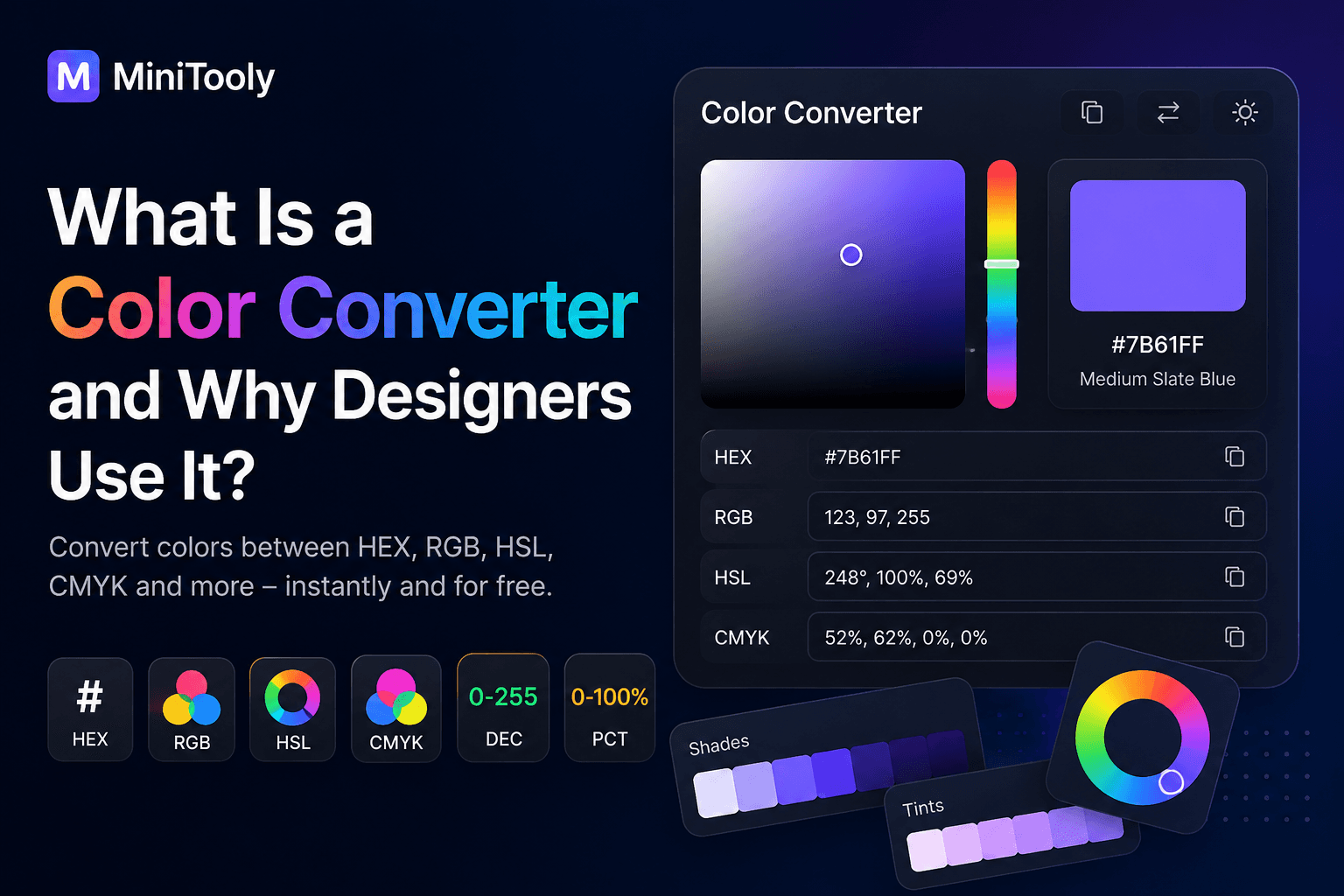
Whether you're designing a website, creating graphics, developing an app, or preparing content for print, you'll often need to convert colors between different formats.
Instead of calculating color values manually, a Color Converter lets you switch between formats instantly while preserving color accuracy.
In this guide, you'll learn what a Color Converter is, how it works, why different color formats exist, and why it's an essential tool for designers and developers.
What Is a Color Converter?
A Color Converter is an online tool that transforms a color from one format into another.
For example, you can convert:
- HEX to RGB
- RGB to HEX
- HEX to HSL
- RGB to CMYK
- HSL to HEX
- HSV to RGB
The converted color remains visually the same while using a different representation.
Why Are There Different Color Formats?
Different applications require different color models.
A Color Converter helps you use the correct format without performing complex calculations.
Common Color Formats
HEX
HEX is the most popular format for web design.
Example:
#7B61FF
Commonly used in:
- HTML
- CSS
- Website design
RGB
RGB represents colors using Red, Green, and Blue values.
Example:
rgb(123, 97, 255)
Used for:
- web applications
- UI design
- digital graphics
HSL
HSL stands for:
- Hue
- Saturation
- Lightness
Example:
hsl(248, 100%, 69%)
Useful for adjusting color palettes while keeping colors consistent.
CMYK
CMYK stands for:
- Cyan
- Magenta
- Yellow
- Key (Black)
Example:
52%, 62%, 0%, 0%
Used for:
- printing
- brochures
- business cards
- posters
HSV
HSV represents:
- Hue
- Saturation
- Value
It is widely used in design software and color pickers.
Why Use a Color Converter?
A Color Converter helps you:
- convert colors instantly;
- avoid manual calculations;
- maintain color consistency;
- prepare colors for web and print;
- improve workflow efficiency.
Who Uses Color Converters?
Designers
Convert colors between web and print formats.
Frontend Developers
Convert HEX, RGB, and HSL values for CSS and UI development.
Graphic Designers
Prepare designs for digital media and professional printing.
Marketing Teams
Keep brand colors consistent across websites, advertisements, and social media.
Common Mistakes
People often:
- use RGB colors for print;
- confuse HEX and RGB values;
- manually calculate conversions;
- use inconsistent brand colors.
A Color Converter eliminates these problems instantly.
Best Practices
✔ Use HEX for websites.
✔ Use RGB for digital graphics.
✔ Use CMYK for printed materials.
✔ Keep brand colors consistent.
✔ Save your primary color values for future projects.
Try the Free Color Converter from MiniTooly
Need to convert colors instantly?
Use the MiniTooly Color Converter to switch between HEX, RGB, HSL, CMYK, HSV, and more in seconds.
It's fast, free, accurate, and works directly in your browser.
Conclusion
A Color Converter is an essential tool for anyone working with digital or print design.
Whether you're a designer, developer, marketer, or content creator, it helps you save time, maintain color consistency, and choose the right color format for every project.