Understanding Text and Code Comparison
When working with large text documents, configuration files, or programming scripts, keeping track of modifications can quickly become overwhelming. Whether you are collaborating on a team project or reviewing your own edits, knowing exactly what changed between two versions of a file is crucial. This is where a specialized utility known as a diff checker comes into play.
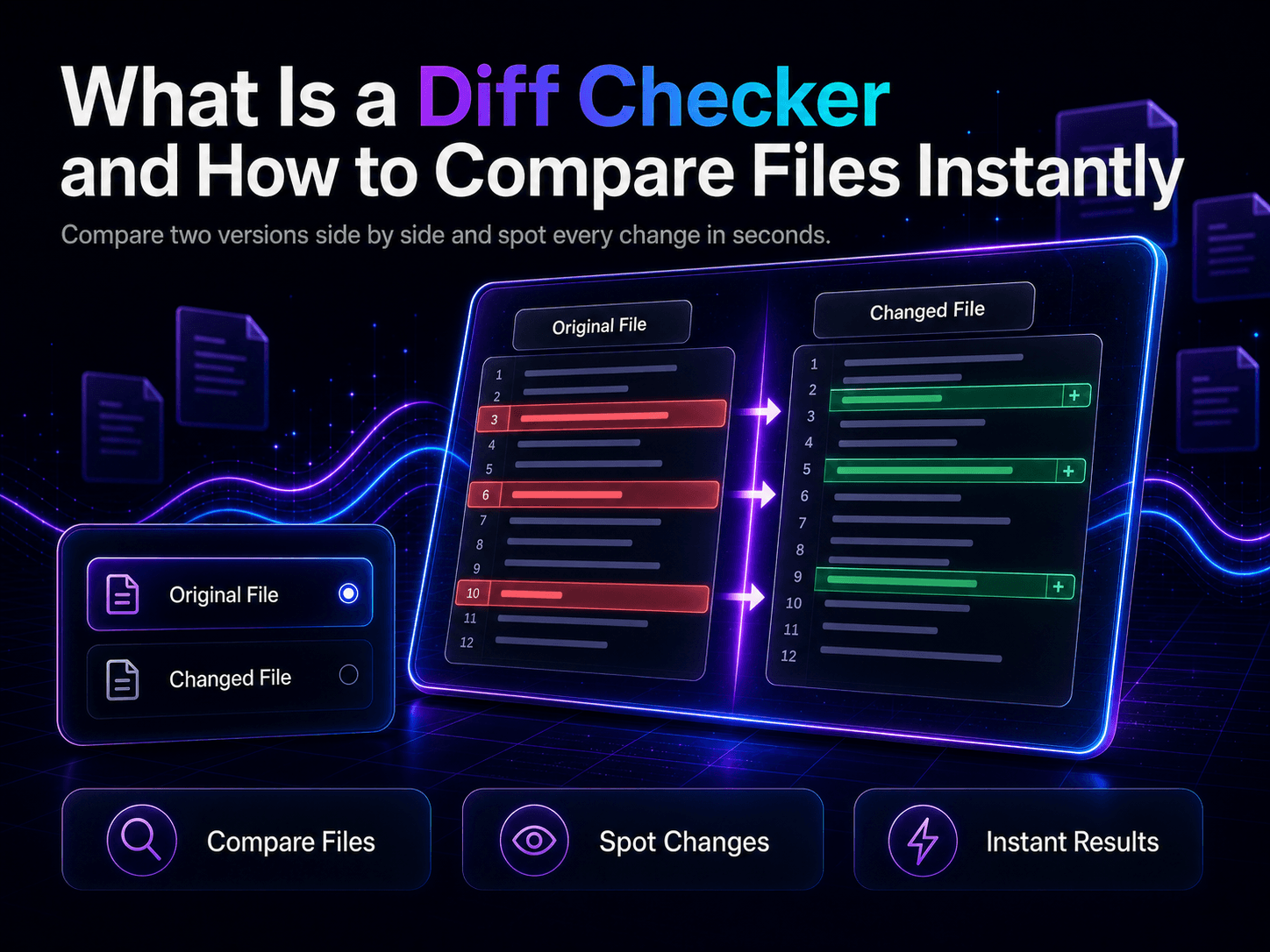
At its core, a diff checker is a tool that analyzes two pieces of text or code, compares them line by line, and highlights the exact differences. Traditionally, developers relied on complex command-line utilities to perform these checks. Today, modern web-based solutions make the process instantaneous and visually intuitive, allowing anyone to spot additions, deletions, and modifications without installing heavy software.
Why You Need a Diff Checker in Your Workflow
Manual proofreading or code inspection is notoriously error-prone. Human eyes easily miss subtle changes, such as a missing semicolon, an extra whitespace character, or a rewritten sentence that changes the entire tone of a paragraph. Incorporating an automated comparison tool into your daily routine offers several distinct advantages:
- Instant Error Detection: Pinpoint syntax errors or accidental typos in seconds rather than spending hours hunting through hundreds of lines of code.
- Streamlined Collaboration: When multiple contributors edit a document or script, a diff tool clarifies who changed what and helps resolve version conflicts smoothly.
- Enhanced Productivity: Eliminate guesswork and focus on refining your content or code instead of manually cross-referencing multiple versions side by side.
Common Use Cases for File Comparison
Text and code comparison tools are versatile utilities used across various industries. Programmers frequently use them to review pull requests, check configuration files across staging and production environments, or debug broken scripts.
Writers, editors, and legal professionals also benefit immensely. When updating contracts, policies, or long-form articles, a diff utility reveals editorial changes instantly. Instead of reading through two full drafts word for word, you can focus purely on the modified sections. To experience these benefits firsthand, you can try the online utility available at https://minitooly.com/tools/diff-checker for quick, browser-based text analysis.
Step-by-Step Guide: How to Compare Files Using a Diff Checker
Using a web-based comparison tool is straightforward. Follow these practical steps to get accurate results every time:
- Prepare Your Texts: Gather your original text (often called the baseline or left version) and your modified text (the right version). Ensure there are no extraneous trailing characters if you want a precise comparison.
- Paste Into the Tool: Open your preferred browser tool, paste the original text into the left input box, and paste the updated text into the right input box.
- Analyze the Highlights: Review the visual output. Most tools use color coding—typically green for additions, red for deletions, and neutral colors for unchanged lines.
- Resolve Discrepancies: Note any unintended changes and update your master file accordingly.
Limitations and Privacy Considerations
While online comparison tools are remarkably convenient, it is important to understand their limitations and privacy implications. Web-based diff tools generally process text within your browser session or securely on a server. However, if you are working with highly sensitive data, proprietary code, or confidential legal documents, you should always check the platform's privacy policy to ensure your information remains secure and private.
Additionally, automated tools compare text character by character or line by line. They highlight what changed, but they cannot determine why it changed or whether the semantic meaning remains correct. Human oversight is always required to ensure the ultimate context makes sense.
Conclusion
Mastering the art of text comparison transforms how you handle revisions, updates, and debugging sessions. By replacing manual proofreading with an automated utility, you save valuable time and minimize the risk of human error. Whether you are cleaning up a messy code block or reviewing a final manuscript draft, utilizing a reliable comparison tool ensures absolute precision in your daily work.