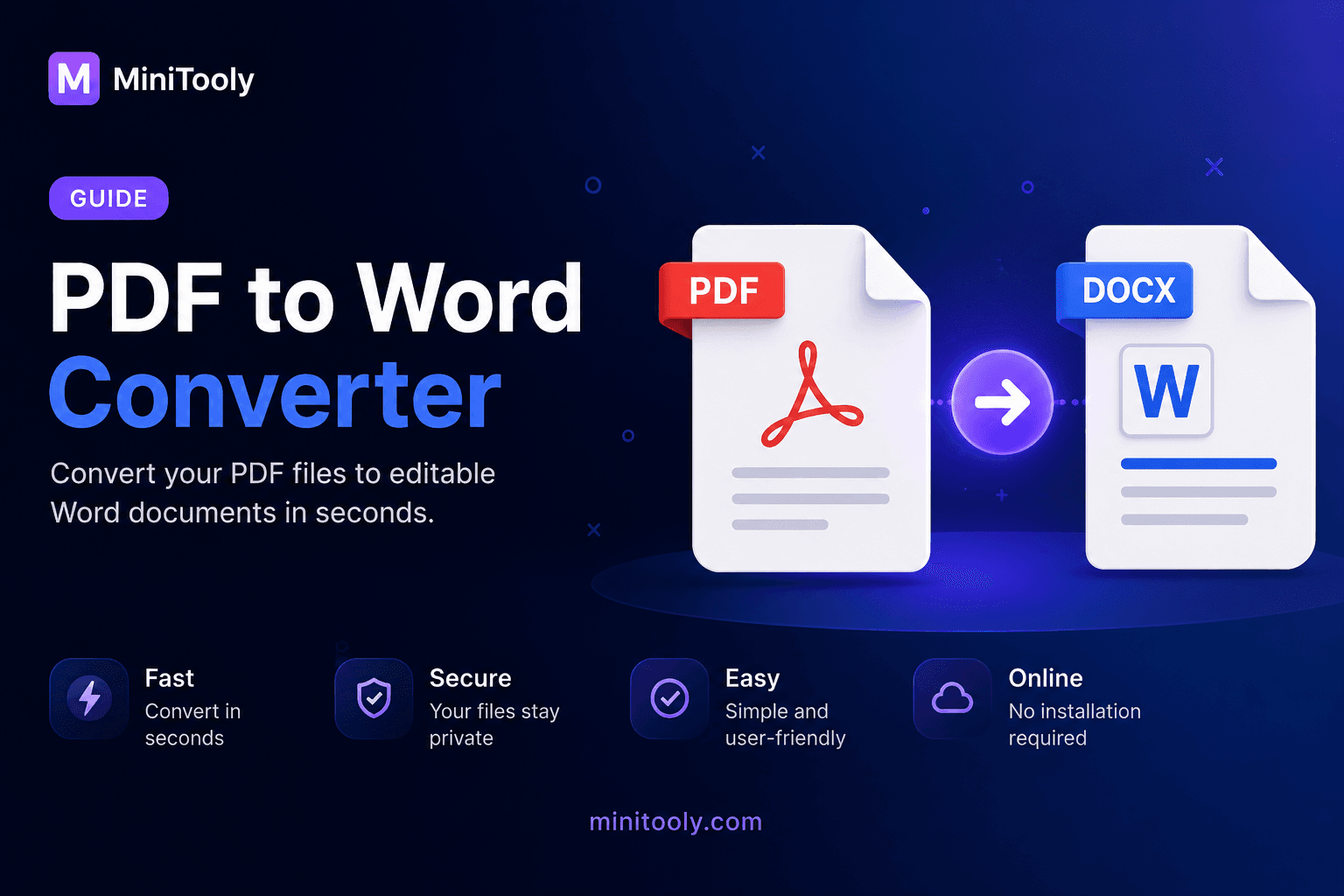
PDF files are great for sharing documents because they keep the layout, fonts, images, and formatting consistent across different devices.
But when you need to edit the content, a PDF can be difficult to work with.
That is where a PDF to Word Converter becomes useful.
It helps you convert a PDF file into an editable Word document, usually in DOCX format, so you can change text, update formatting, copy content, and reuse the document more easily.
What Is a PDF to Word Converter?
A PDF to Word Converter is an online tool that converts PDF files into editable Word documents.
Instead of recreating the document manually, the converter extracts the text, layout, and basic formatting from the PDF and creates a DOCX file.
This makes it easier to:
- edit text;
- update document content;
- reuse information;
- fix formatting;
- copy sections into other documents.
How Does PDF to Word Conversion Work?
A PDF to Word Converter reads the structure of a PDF file and tries to recreate it as an editable document.
For normal PDFs, the tool can extract selectable text, images, tables, and formatting.
For scanned PDFs or image-only files, OCR may be needed.
OCR means Optical Character Recognition. It reads text from the page image and turns it into editable text.
Why Convert PDF to Word?
PDF is designed for viewing and sharing.
Word documents are designed for editing.
Converting PDF to Word is useful when you need to:
- edit a contract;
- update a report;
- reuse text from a document;
- correct mistakes;
- change formatting;
- translate content;
- prepare a new version of a file.
Common Use Cases
Editing Documents
You can change text, headings, paragraphs, and other content after conversion.
Reusing Content
Instead of copying text manually, you can convert the full document and reuse sections faster.
Updating Old Files
If you only have the PDF version of an old document, converting it to Word can help you create an editable version again.
Working With Scanned PDFs
With OCR, scanned or image-based PDFs can be converted into editable text.
Translating Documents
A Word file is easier to translate, review, and format than a fixed PDF file.
What Is OCR?
OCR stands for Optical Character Recognition.
It is used when a PDF does not contain selectable text.
For example, a scanned document is usually just an image of a page.
OCR analyzes the page image, detects letters and words, and turns them into editable text.
This is useful for:
- scanned documents;
- photos of papers;
- image-only PDFs;
- old printed files.
Benefits of Using a PDF to Word Converter
A PDF to Word Converter helps you:
- save time;
- avoid manual typing;
- edit document content;
- preserve basic formatting;
- reuse text and images;
- work with scanned documents using OCR.
Common Mistakes
Avoid these common mistakes:
- expecting every PDF to convert perfectly;
- using low-quality scans;
- forgetting to check the converted document;
- not enabling OCR for scanned PDFs;
- using the wrong OCR language.
Complex layouts, handwritten text, and low-resolution scans may need manual correction after conversion.
Best Practices
✔ Use high-quality PDF files.
✔ Enable OCR when the PDF is scanned.
✔ Choose the correct OCR language.
✔ Check the converted Word document before using it.
✔ Keep the original PDF as a backup.
Try the Free PDF to Word Converter from MiniTooly
Need to turn a PDF into an editable Word document?
Use the MiniTooly PDF to Word Converter to convert PDF files into DOCX format directly in your browser.
It is fast, easy to use, and helps you edit and reuse document content more efficiently.
Conclusion
A PDF to Word Converter is a practical tool for anyone who works with documents.
Whether you need to edit text, reuse content, update old files, or convert scanned pages with OCR, it can save time and make document editing much easier.