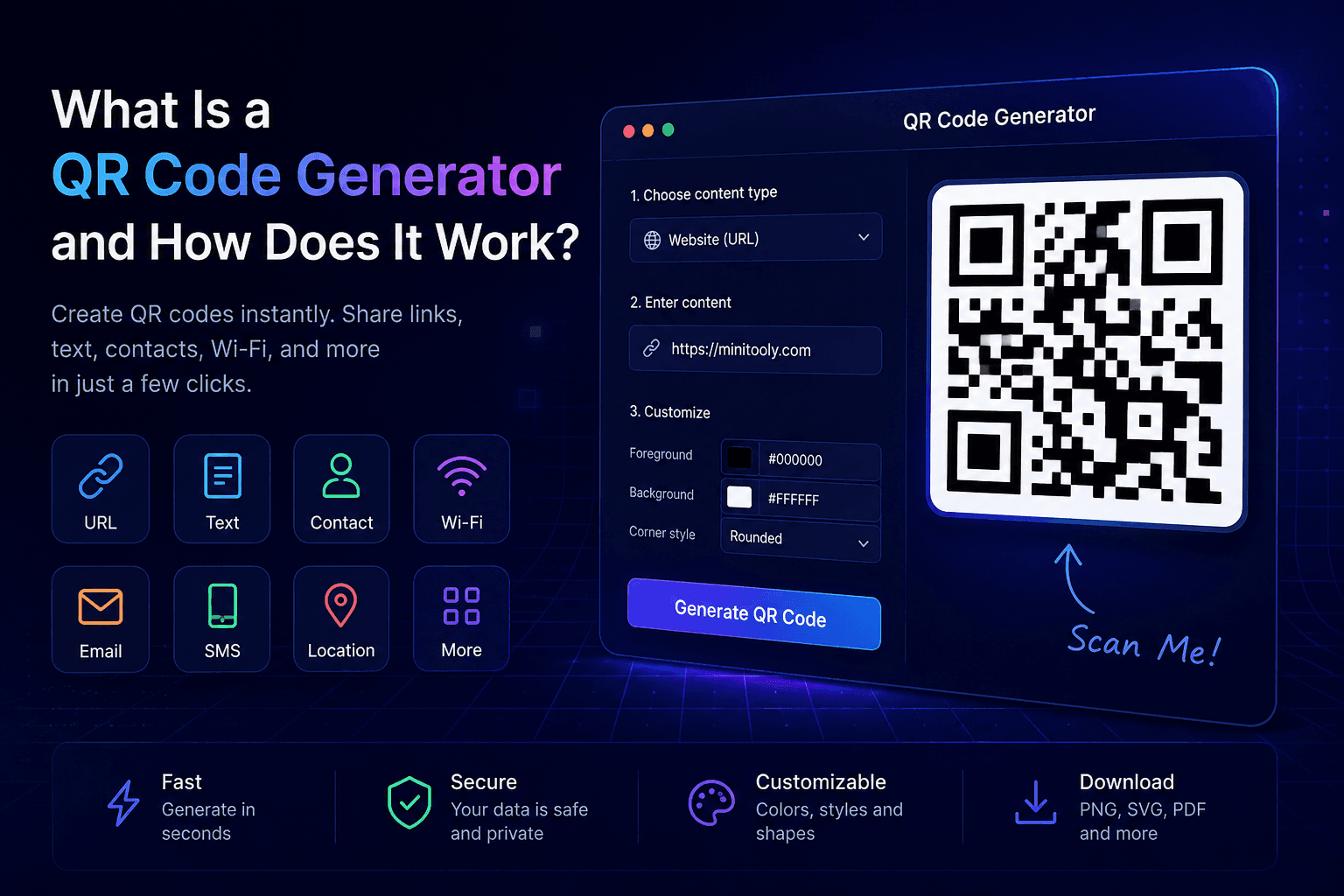
QR codes have become part of everyday life. You can find them on restaurant menus, product packaging, business cards, event tickets, advertisements, and websites.
Instead of typing long URLs or contact information, users simply scan a QR code with their smartphone to instantly access the content.
In this guide, you'll learn what a QR Code Generator is, how it works, why QR codes are so popular, and when you should use them.
What Is a QR Code Generator?
A QR Code Generator is an online tool that converts information into a QR code.
The QR code can contain many different types of data, including:
- Website URLs
- Plain text
- Contact information
- Email addresses
- Phone numbers
- Wi-Fi credentials
- SMS messages
- Locations
- Social media links
Once generated, anyone can scan the code using a smartphone camera or QR scanner.
How Does a QR Code Work?
A QR code stores information inside a two-dimensional pattern of black and white squares.
When scanned, the device reads the pattern, decodes the information, and immediately performs the associated action, such as opening a website or connecting to a Wi-Fi network.
The entire process usually takes less than a second.
Why Use a QR Code Generator?
Using a QR Code Generator offers several advantages:
- Share information instantly
- Eliminate typing errors
- Improve user experience
- Increase engagement
- Save space on printed materials
- Connect offline and online content
What Can You Create?
A QR Code Generator can create QR codes for:
Website URLs
Direct visitors to your website with one scan.
Contact Cards
Share your contact information without typing.
Wi-Fi Access
Allow guests to connect instantly without entering passwords manually.
Open a pre-filled email message with one scan.
Phone Numbers
Start a phone call instantly.
SMS
Open a ready-to-send text message.
Locations
Open a location directly in Google Maps or another navigation app.
Who Uses QR Codes?
Businesses
Promote products, services, and websites.
Restaurants
Provide digital menus without printing updates.
Event Organizers
Share tickets and event information.
Marketers
Track campaigns and increase customer engagement.
Individuals
Share contact details, portfolios, resumes, or social profiles.
Common Mistakes
Avoid these common problems:
- Linking to incorrect URLs
- Printing QR codes too small
- Using low-resolution images
- Placing QR codes where they're difficult to scan
- Forgetting to test before publishing
Best Practices
✔ Always test your QR code before sharing it.
✔ Use high-resolution downloads for printing.
✔ Keep enough white space around the QR code.
✔ Make sure the destination page works on mobile devices.
✔ Use a reliable QR Code Generator.
Try the Free QR Code Generator from MiniTooly
Need to generate a QR code in seconds?
Use the MiniTooly QR Code Generator to create QR codes for URLs, Wi-Fi, text, contacts, email, phone numbers, and more.
It's free, fast, secure, and works directly in your browser.
Conclusion
A QR Code Generator makes sharing information faster and easier.
Whether you're a business owner, marketer, developer, student, or everyday user, QR codes provide a simple way to connect people with digital content using a single scan.