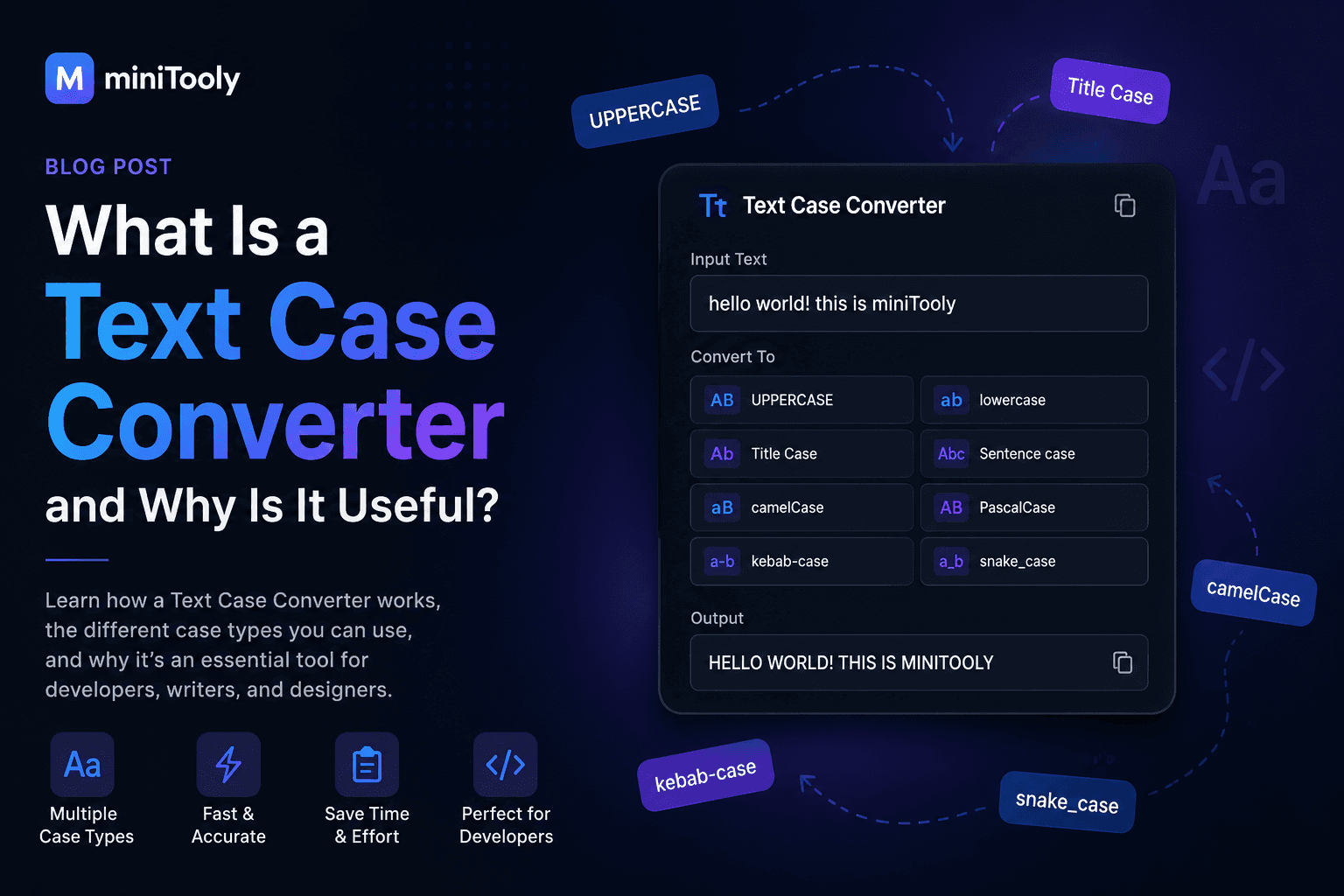
Whether you're writing an article, editing code, preparing documentation, or formatting a report, changing the capitalization of text is a task almost everyone encounters.
Instead of manually rewriting text, a Text Case Converter can transform your content instantly into different letter cases.
In this guide, you'll learn what a Text Case Converter is, how it works, the most common text case formats, and why it's an essential productivity tool.
What Is a Text Case Converter?
A Text Case Converter is an online tool that automatically changes the capitalization style of text.
Rather than editing every letter manually, you simply paste your text, choose a case style, and receive the converted result instantly.
This saves time, reduces mistakes, and keeps formatting consistent.
Common Text Case Types
Most Text Case Converters support several capitalization styles.
UPPERCASE
Converts every letter to uppercase.
Example:
HELLO WORLD
Useful for:
- headings
- warnings
- titles
- emphasis
lowercase
Converts every letter to lowercase.
Example:
hello world
Useful for:
- URLs
- usernames
- normalization
- data cleaning
Title Case
Capitalizes the first letter of every major word.
Example:
What Is a Text Case Converter
Often used for:
- blog titles
- books
- articles
- presentations
Sentence case
Capitalizes only the first letter of each sentence.
Example:
This is an example sentence.
Perfect for normal writing.
camelCase
Removes spaces and capitalizes every word except the first.
Example:
textCaseConverter
Common in:
- JavaScript
- Java
- TypeScript
- variable names
PascalCase
Capitalizes every word without spaces.
Example:
TextCaseConverter
Often used for:
- class names
- React components
- C#
- TypeScript
snake_case
Replaces spaces with underscores.
Example:
text_case_converter
Frequently used in:
- Python
- databases
- configuration files
kebab-case
Replaces spaces with hyphens.
Example:
text-case-converter
Popular for:
- URLs
- CSS classes
- filenames
Why Use a Text Case Converter?
Changing letter case manually is slow and error-prone.
A Text Case Converter allows you to:
- save time;
- improve consistency;
- avoid typing mistakes;
- format text instantly;
- prepare content for different platforms.
Who Uses Text Case Converters?
This tool is useful for many professions.
Developers
Convert variable names between:
- camelCase
- PascalCase
- snake_case
- kebab-case
Writers
Quickly format:
- article titles;
- headings;
- paragraphs;
- documents.
Students
Prepare essays and assignments with consistent formatting.
Content Creators
Format social media posts, newsletters, blogs, and marketing content.
Common Mistakes
People often:
- edit capitalization manually;
- use inconsistent title capitalization;
- mix camelCase and PascalCase;
- accidentally leave words in the wrong case.
A Text Case Converter eliminates these problems in seconds.
Best Practices
✔ Choose the correct case for your purpose.
✔ Keep naming conventions consistent.
✔ Use camelCase or PascalCase in code.
✔ Use Title Case for headings.
✔ Use Sentence case for paragraphs.
Try the Free Text Case Converter from MiniTooly
Need to change text capitalization instantly?
Use the MiniTooly Text Case Converter to switch between uppercase, lowercase, title case, sentence case, camelCase, PascalCase, snake_case, and kebab-case in seconds.
It's fast, free, and works directly in your browser.
Conclusion
A Text Case Converter is a simple yet powerful productivity tool.
Whether you're a developer, writer, student, or content creator, it helps you format text accurately, maintain consistency, and save valuable time.
Instead of editing text manually, let a Text Case Converter handle the work instantly.