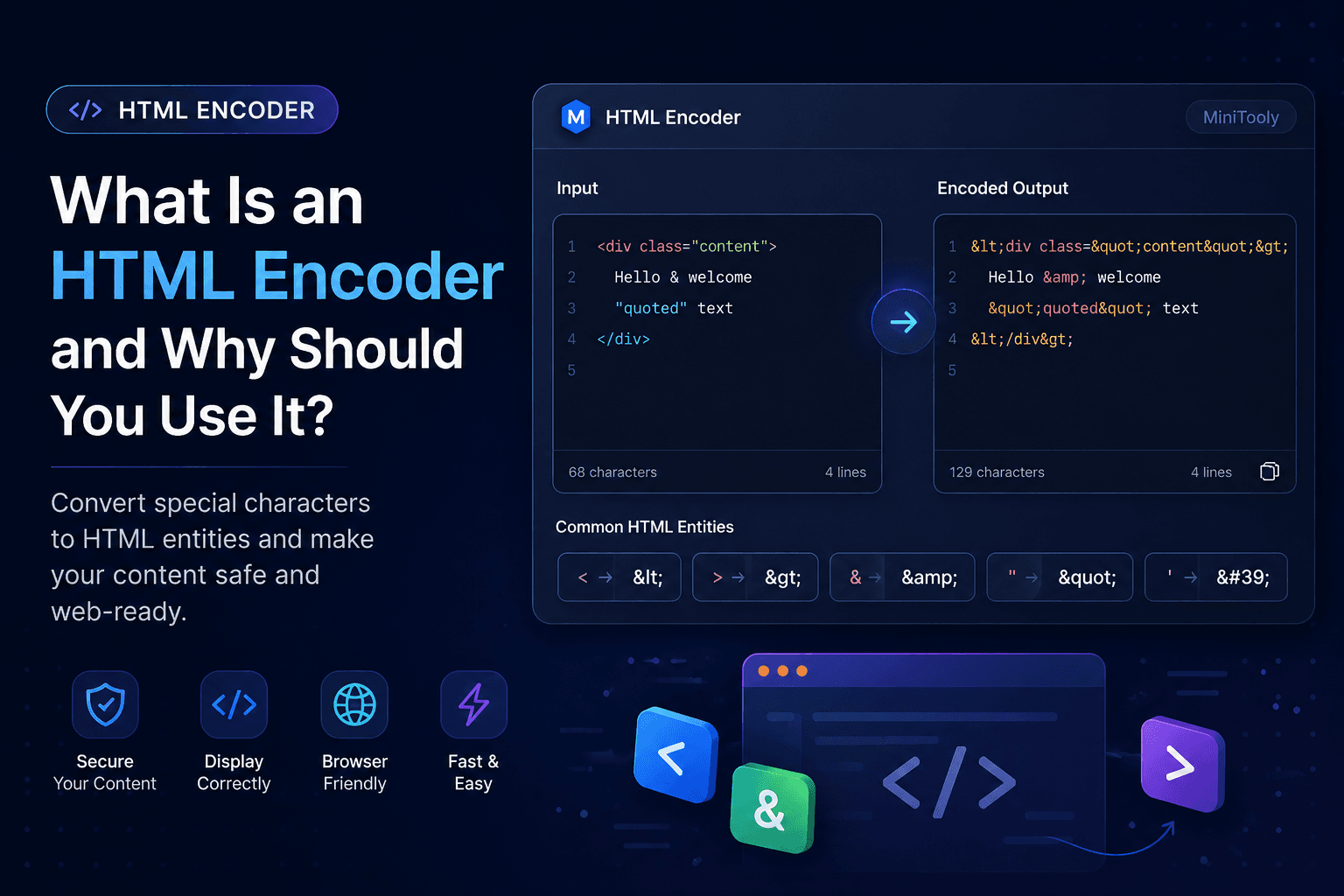
What Is an HTML Encoder and Why Should You Use It?
If you've ever worked with HTML, you've probably seen characters like <, >, &, or " replaced with codes such as <, >, &, and ".
This process is called HTML Encoding, and it's one of the most important techniques for displaying text safely on web pages.
In this guide, you'll learn what an HTML Encoder is, why HTML encoding matters, how it works, and when you should use it.
What Is HTML Encoding?
HTML Encoding is the process of converting special characters into HTML entities.
Browsers interpret certain characters as HTML syntax. Encoding them ensures they are displayed as plain text instead of being treated as HTML code.
For example:
| Character | HTML Entity |
|---|---|
< |
< |
> |
> |
& |
& |
" |
" |
' |
' |
What Is an HTML Encoder?
An HTML Encoder is a tool that automatically converts special characters into their HTML entity equivalents.
Instead of manually replacing every character, the encoder performs the conversion instantly and accurately.
This is especially useful when displaying:
- user-generated content;
- code snippets;
- documentation;
- blog posts;
- comments;
- HTML examples.
Why Is HTML Encoding Important?
HTML encoding protects your content and ensures browsers display it correctly.
Its main benefits include:
- preventing HTML from breaking your page;
- displaying special characters correctly;
- improving compatibility across browsers;
- reducing rendering issues;
- helping protect against HTML injection.
Common HTML Entities
Some of the most frequently encoded characters include:
< → <
> → >
& → &
" → "
' → '
These entities allow browsers to display the original characters instead of interpreting them as HTML markup.
When Should You Use HTML Encoding?
HTML encoding is useful whenever text may contain reserved HTML characters.
Common situations include:
- displaying source code;
- showing HTML examples in tutorials;
- rendering user comments;
- storing rich text safely;
- documentation websites;
- CMS editors;
- forums;
- chat applications.
HTML Encoding vs URL Encoding
Although they sound similar, HTML Encoding and URL Encoding solve different problems.
HTML Encoding
- Converts reserved HTML characters.
- Makes text safe for HTML pages.
- Uses HTML entities like
<.
URL Encoding
- Converts characters inside URLs.
- Makes URLs safe for browsers and servers.
- Uses percent encoding like
%20.
If you're working with URLs, you should use URL Encoding instead of HTML Encoding.
Common Mistakes
Many beginners:
- confuse HTML Encoding with URL Encoding;
- encode text multiple times;
- forget to encode user input;
- manually replace characters instead of using an encoder.
Using a dedicated HTML Encoder helps avoid these problems.
Best Practices
✔ Encode user-generated content before displaying it.
✔ Encode HTML examples in tutorials.
✔ Avoid encoding the same content multiple times.
✔ Use trusted encoding libraries when developing applications.
✔ Test your output in different browsers.
Try MiniTooly's Free HTML Encoder
Need to encode HTML instantly?
Use MiniTooly's HTML Encoder to safely convert special characters into HTML entities.
It's free, fast, and works directly in your browser—no registration required.
Conclusion
HTML Encoding is a simple but essential technique for every web developer.
It ensures special characters are displayed correctly, improves compatibility, and helps keep web pages safe from rendering issues.
Whether you're building websites, writing tutorials, or displaying user-generated content, an HTML Encoder saves time and helps produce cleaner, safer HTML.