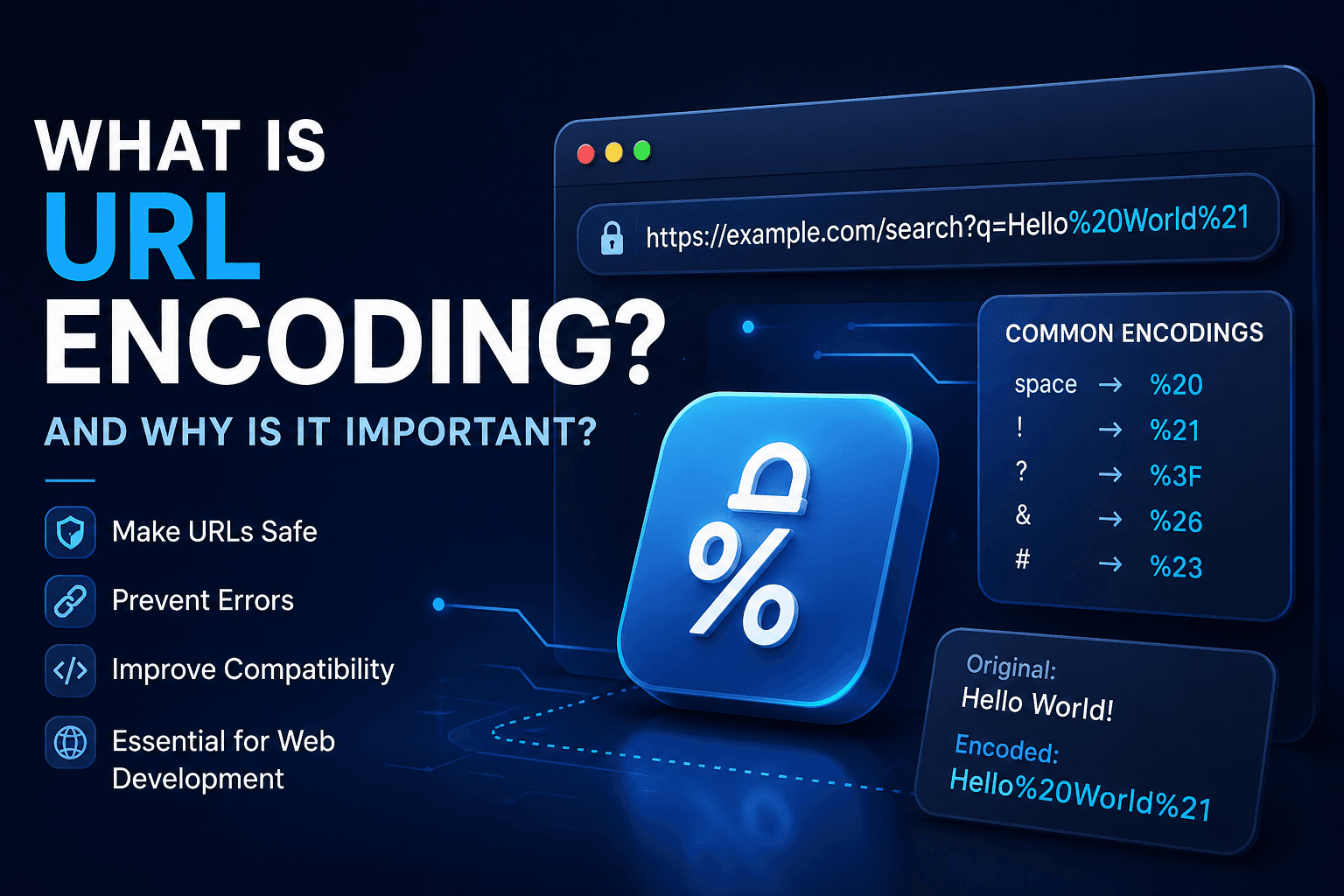
What Is URL Encoding and Why Is It Important?
Whenever you click a link, submit a form, or send data to an API, URL Encoding is often working behind the scenes. Although most developers use it every day, many don't fully understand why it's necessary or how it actually works.
In this guide, you'll learn what URL Encoding is, how percent encoding works, when you should use it, common mistakes to avoid, and why it is essential for modern web development.
What Is URL Encoding?
URL Encoding (also called Percent Encoding) is the process of converting special characters into a format that can safely be transmitted inside a URL.
Certain characters have special meanings in URLs or are not allowed at all. URL Encoding replaces those characters with a percent sign (%) followed by two hexadecimal digits.
For example:
Space → %20
@ → %40
? → %3F
# → %23
This allows browsers and servers to correctly understand the URL.
Why Is URL Encoding Necessary?
URLs only support a limited set of characters.
Characters like:
- spaces
- question marks
- ampersands
- slashes
- hashtags
- Unicode characters
can break a URL if they aren't encoded.
Without URL Encoding:
https://example.com/search?q=hello world
The browser may incorrectly interpret the space.
Correct version:
https://example.com/search?q=hello%20world
How Does Percent Encoding Work?
Each unsupported character is replaced with:
%
+
Hexadecimal ASCII value
Examples:
| Character | Encoded |
|---|---|
| Space | %20 |
| ! | %21 |
| " | %22 |
| # | %23 |
| % | %25 |
| & | %26 |
| + | %2B |
| / | %2F |
| : | %3A |
| ? | %3F |
| = | %3D |
URL Encoding Example
Original URL:
https://example.com/search?q=Hello World&lang=en
Encoded URL:
https://example.com/search?q=Hello%20World&lang=en
URL Encoding vs Base64
Many beginners confuse these technologies.
URL Encoding:
- makes URLs safe
- replaces invalid characters
- remains readable
Base64:
- converts binary data into text
- used for images, files, tokens
- not intended for URLs
Although Base64 can sometimes appear inside URLs, it usually requires additional URL Encoding.
URL Encoding in JavaScript
JavaScript provides built-in functions.
Encoding:
encodeURIComponent("Hello World!")
Output:
Hello%20World%21
Decoding:
decodeURIComponent("Hello%20World%21")
Output:
Hello World!
URL Encoding in Node.js
Node.js uses the same functions:
encodeURIComponent()
decodeURIComponent()
These are commonly used when working with:
- REST APIs
- Query Parameters
- OAuth
- Redirect URLs
Common Mistakes
Developers often:
- encode an already encoded URL
- forget to encode query parameters
- confuse Base64 with URL Encoding
- manually replace spaces instead of using proper functions
Best Practices
✔ Always encode user input.
✔ Encode query parameters separately.
✔ Never manually replace special characters.
✔ Use built-in language functions.
✔ Decode data only when necessary.
When Should You Use URL Encoding?
You should use URL Encoding whenever:
- building URLs dynamically
- sending API requests
- redirecting users
- working with search parameters
- sending international characters
- generating download links
Conclusion
URL Encoding is one of the fundamental technologies behind the modern web. It ensures that URLs remain valid, secure, and understandable across browsers, servers, and APIs.
Whether you're building websites, REST APIs, mobile applications, or backend services, understanding URL Encoding will help you avoid broken links, encoding bugs, and data transmission issues.
Using proper encoding is a small step that makes your applications significantly more reliable.